Water damage happens in a moment. A drop in the sink. Rain inside your charging port. A spill on your keyboard. Most devices stop working because moisture reaches the motherboard. This page explains what happens and how our technicians bring your device back safely.
Why Water Damage Is Serious
Water does not just make a phone wet. It causes corrosion inside the board. Even a small amount of moisture can damage charging lines, display signals, and power circuits. Quick treatment is important. The longer the delay, the deeper the corrosion grows.
Common Signs of Water Damage Repair
Phone not turning on
Touch not working
Charging not responding
Speaker or mic not working
Rapid battery drain
Phone heating without use Fog under camera lens
“Moisture detected” message
If you notice any of these signs, do not charge the device. It can cause more damage.
Our Water Damage Repair Process
Step 1: Complete Diagnosis
We check for moisture, corrosion, and short circuits using diagnostic tools.
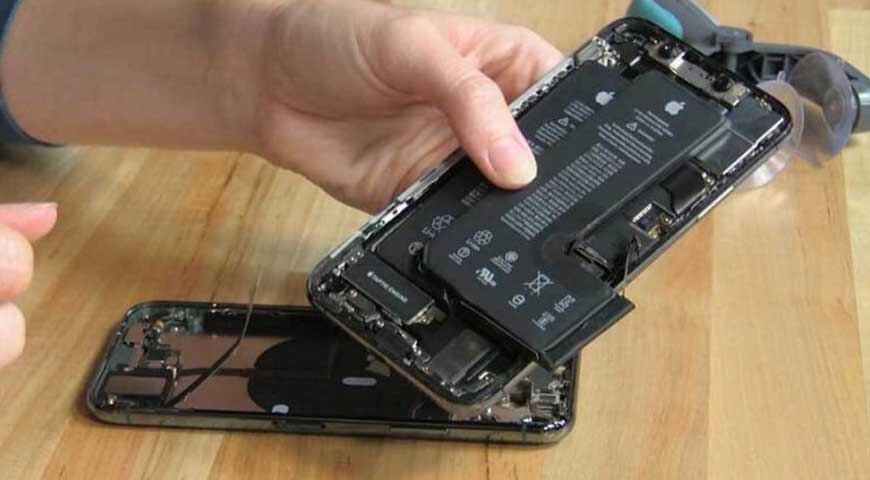
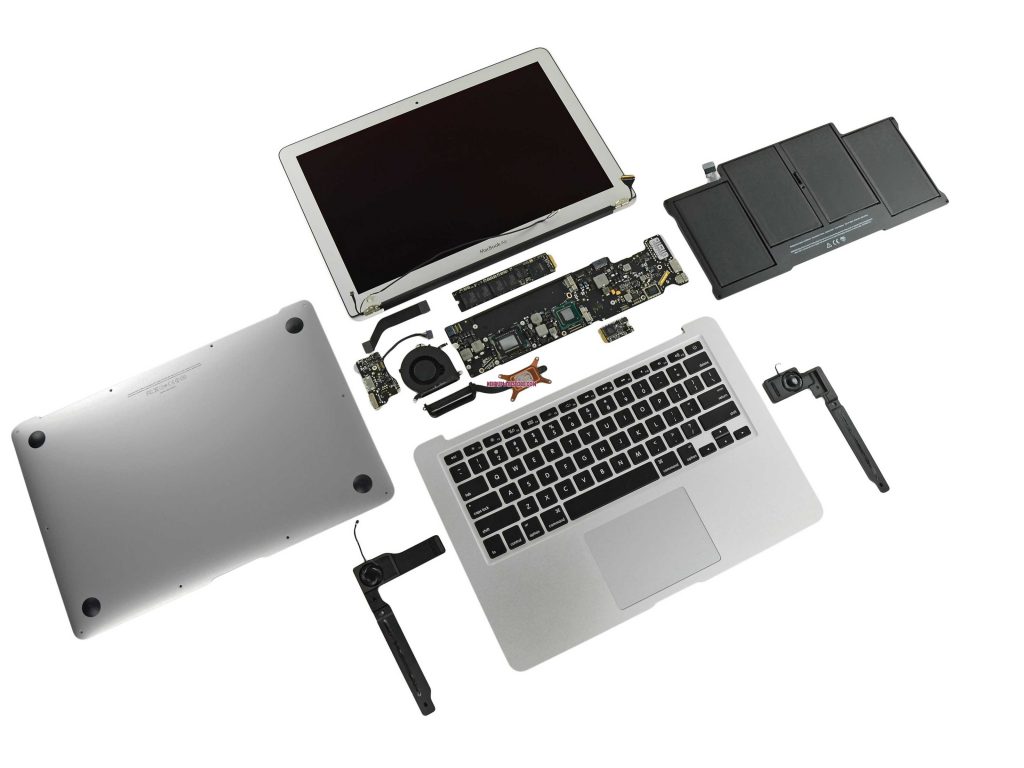
Step 2: Safe Disassembly
The device is opened carefully to prevent further damage.
Step 3: Deep Cleaning and Drying
We remove water, clean corrosion, and restore affected components with professional-grade tools.
Step 4: Motherboard Treatment
If the board is affected, we use ultrasonic cleaning and board-level repair to restore performance.
Step 5: Part Testing
Battery, display, charging, speakers, and sensors are tested for stability.
Step 6: Final Quality Check
We reassemble the device and confirm full functionality before handing it back.
Need help with Water Damage? Talk to our technician now and get a quick fix. Click below to contact us and book your repair today.