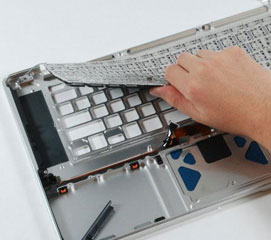
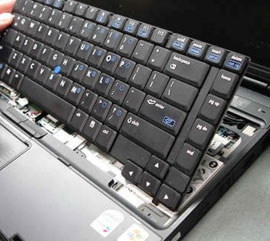
A faulty keyboard can turn even simple tasks into a struggle. Keys stop working, typing becomes slow and random characters appear on screen. If this is happening to your laptop or desktop, a proper keyboard replacement restores performance and saves your device from further issues. Here is a clean and simple guide to help you understand when you need a replacement and what the process includes.
Common Keyboard Replacement Problems We Fix
We handle all major keyboard issues for laptops and desktops, covering both home and office users.
Non-responsive keys
Some keys do not register when pressed. This is often caused by internal damage or loose flex cables.
Repeating or ghost typing
The keyboard types on its own or repeats characters. This means the circuit is failing.
Spilled liquid damage
Water, coffee or soft drinks can damage the entire keyboard layer.
Broken keys or loose key spaces
Physical damage that makes typing uncomfortable or impossible.
Back light not working
Many modern laptops use LED-lit keyboards. We replace damaged back light components.
Brands We Support
We offer keyboard replacement for almost all popular brands in the Philippines.